
SAP MM-FI Integration & OBYC Configuration: The Definitive Technical Guide
If you ask any senior interviewer at an MNC like TCS, Infosys, Deloitte, or Accenture what separates a textbook SAP student from a job-ready consultant, the response is almost unanimous:
"Can this candidate explain and configure automatic account determination in SAP MM-FI integration using T-Code OBYC without hesitating?"
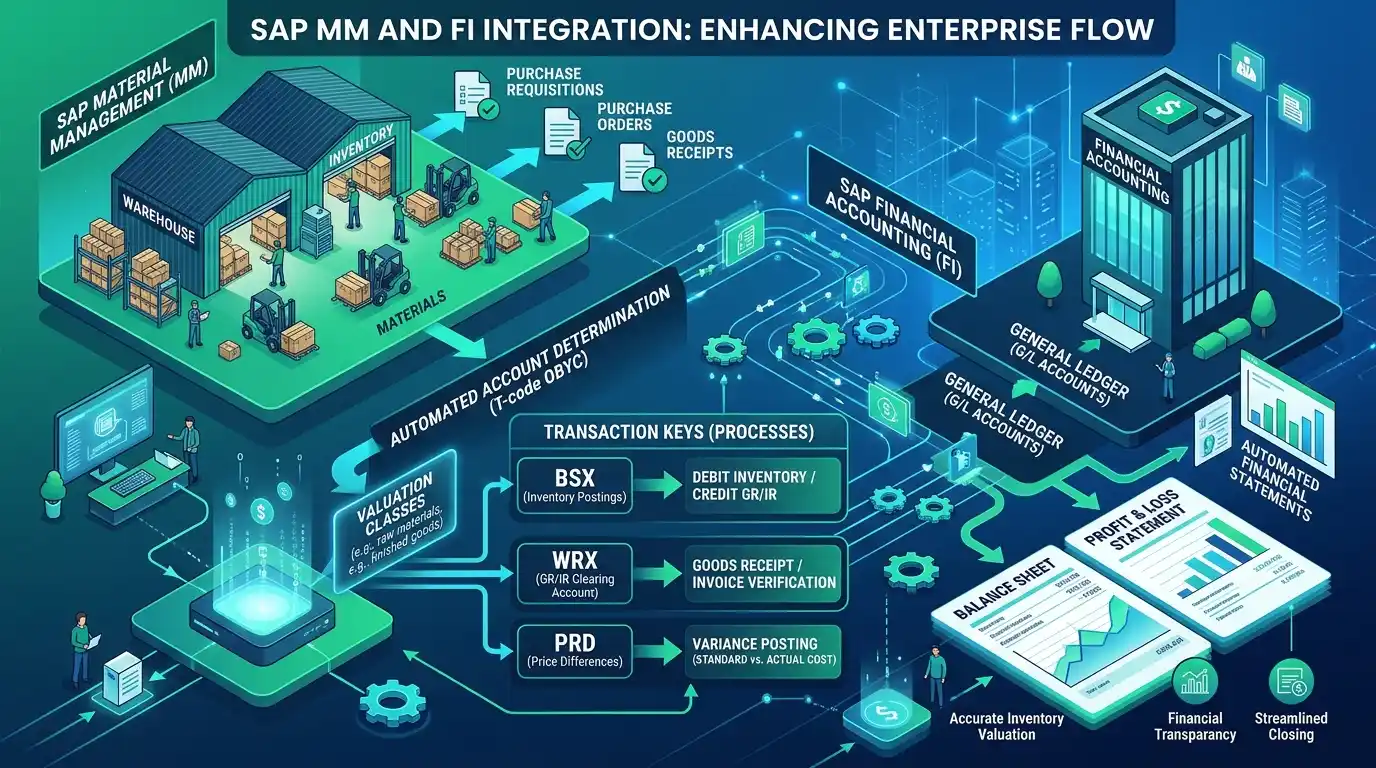
MM-FI integration is the critical bridge connecting physical supply chain operations (Procurement, Inventory Management, Goods Receipts) to the general ledger balance sheets and P&L statements of the enterprise. When a warehouse clerk enters a Goods Receipt in transaction MIGO, the SAP system automatically determines which inventory accounts and clearing accounts to debit and credit—without any manual accounting input.
In this deep-dive tutorial, we break down the exact 5-step configuration framework, explain all transaction keys (BSX, WRX, PRD, GBB), illustrate the exact accounting entries for standard and moving average pricing, and solve the most common posting errors encountered in real enterprise projects.
The Accounting Foundation: What Happens During MIGO & MIRO?
Before opening SPRO or OBYC, every SAP MM consultant must understand the two core procurement events and their corresponding double-entry accounting flows:
Event 1: Goods Receipt against Purchase Order (T-Code: MIGO)
When goods arrive at the warehouse gate:
- Debit: Inventory Account (Asset increases)
- Credit: GR/IR Clearing Account (Goods Receipt / Invoice Receipt Liability)
$$\text{Dr: Inventory Account (BSX)} \quad \longrightarrow \quad \text{Cr: GR/IR Clearing (WRX)}$$
Event 2: Invoice Verification (T-Code: MIRO)
When the supplier's commercial tax invoice arrives from Accounts Payable:
- Debit: GR/IR Clearing Account (Liability cleared)
- Credit: Vendor Account (Accounts Payable Liability created)
- Debit/Credit: Input Tax / Withholding Tax (if applicable)
$$\text{Dr: GR/IR Clearing (WRX)} \quad \longrightarrow \quad \text{Cr: Vendor Account (AP)}$$
Notice how the GR/IR Clearing Account balances out to zero once both goods and invoice are posted. If there is a price variance between the PO price and Invoice price, the difference routes automatically to a Price Difference (PRD) account.
The 5-Step Account Determination Flow
How does SAP determine the exact G/L Account when a clerk clicks "Post" in MIGO?
Material Master (Accounting 1 View)
        │
        ▼
Valuation Class (e.g., 3000 Raw Materials)
        │
        ▼
Account Category Reference (Linked to Material Type ROH)
        │
        ▼
Chart of Accounts + Valuation Grouping Code (OMWD)
        │
        ▼
Transaction Key (BSX, WRX, PRD, GBB in OBYC)
        │
        ▼
Final G/L Account (e.g., 140000 Stock - Raw Material)
Detailed Step-by-Step Configuration in SPRO
Step 1: Define Valuation Control (T-Code: OMWM)
The Valuation Grouping Code allows you to group multiple plants that share the same chart of accounts under a single account assignment rule.
- Navigate to:
SPRO$\rightarrow$ SAP Reference IMG $\rightarrow$ Materials Management $\rightarrow$ Valuation and Account Assignment $\rightarrow$ Account Determination $\rightarrow$ Account Determination Without Wizard $\rightarrow$ Define Valuation Control. - Ensure "Valuation Grouping Code Active" is set to Active.
Step 2: Group Valuation Areas (T-Code: OMWD)
Here, you link your Valuation Area (Plant) to a Valuation Grouping Code (Valuation Modification).
| Plant | Company Code | Chart of Accounts | Valuation Grouping Code |
|---|---|---|---|
1000 (Delhi Plant) | 1000 | INT / CAIN | 0001 |
1001 (Mumbai Plant) | 1000 | INT / CAIN | 0001 |
Grouping plants together saves you from entering separate G/L accounts plant-by-plant in OBYC.
Step 3: Define Valuation Classes (T-Code: OMSK)
Valuation Classes group materials with similar accounting behavior.
- Account Category Reference: First define an ACR (e.g.,
0001for Raw Materials,0002for Semi-finished,0003for Finished Goods). - Material Type to ACR Link: Assign Material Type
ROHto ACR0001, andFERTto ACR0003. - Valuation Class Definition:
- Valuation Class
3000$\rightarrow$ Raw Materials (linked to ACR0001) - Valuation Class
7920$\rightarrow$ Finished Goods (linked to ACR0003)
- Valuation Class
When a user creates a material in MM01 under material type ROH, SAP restricts the allowed Valuation Class dropdown in the Accounting 1 view strictly to those mapped to ACR 0001.
Step 4: Configure Account Assignment via T-Code: OBYC
This is the central transaction where transaction keys, valuation grouping codes, and G/L accounts converge.
Core Transaction Keys in OBYC
| Transaction Key | Name & Description | Posting Rule Criteria | Typical G/L Account Type |
|---|---|---|---|
BSX | Inventory Posting | Valuation Grouping Code + Valuation Class | Balance Sheet: Inventory Assets |
WRX | GR/IR Clearing Posting | Valuation Grouping Code | Balance Sheet: Current Liabilities |
PRD | Price Difference | Val. Grouping Code + General Modifier + Val. Class | P&L: Expense/Gain on Price Variance |
GBB | Offsetting Entry for Inventory | Val. Grouping Code + General Modifier + Val. Class | P&L: Consumption / Scrap / Cost Center |
EIN / EKG | Purchase Account / Offset | Used primarily in specific European/South American legal requirements | Balance Sheet / P&L Purchase Accounts |
KDM | Materials Exchange Rate Diff. | Valuation Grouping Code + Valuation Class | P&L: Realized FX Gains/Losses |
FR1 / FR2 | Freight Clearing / Costs | Used for planned delivery freight condition types in PO | Balance Sheet: Freight Provisions |
Step 5: Mastering Transaction Key GBB (General Modifiers)
Transaction key GBB handles internal goods movements where stock is consumed rather than purchased against a PO. GBB uses an additional parameter called the Account Modifier / General Modification:
VBR(Internal Goods Issue to Cost Center / Order): Triggered during Movement Type201(GI to Cost Center) and261(GI to Production Order).VQA/VQB(Consumption for Project / WBS): Movement Type221and281.VNG(Scrapping / Shrinkage): Movement Type551(Goods Issue for Scrapping). Posts to Scrap Expense G/L.BSA(Initial Stock Entry): Movement Type561(Initial entry of stock balances during Go-Live migration).ZOB/INV(Physical Inventory Variance): Triggered during inventory count posting viaMI07.
Standard Price (S) vs Moving Average Price (V): Posting Matrix
Understanding how valuation controls debit/credit splits is crucial:
Scenario A: Moving Average Price (V)
- PO Price: ₹100 per unit, Material standard moving avg: ₹100
- 10 units received in
MIGO:- Dr: Inventory (
BSX) ₹1,000 - Cr: GR/IR Clearing (
WRX) ₹1,000
- Dr: Inventory (
- Invoice arrives in
MIROat ₹110 per unit:- Dr: GR/IR Clearing (
WRX) ₹1,000 - Dr: Inventory (
BSX) ₹100 (If sufficient stock exists, MAP absorbs the ₹10 difference!) - Cr: Vendor Account ₹1,100
- Dr: GR/IR Clearing (
Scenario B: Standard Price (S)
- PO Price: ₹120 per unit, Material Standard Price: ₹100
- 10 units received in
MIGO:- Dr: Inventory (
BSX) ₹1,000 (Valued strictly at Standard Price!) - Dr: Price Difference (
PRD) ₹200 (Expense incurred) - Cr: GR/IR Clearing (
WRX) ₹1,200
- Dr: Inventory (
4 Common OBYC Posting Errors & How to Fix Them
Error 1: Account determination for entry INT BSX ____ 3000 not possible
- Root Cause: In
OBYC, transaction keyBSX, there is no G/L account maintained for Chart of AccountsINT, Valuation Grouping Code, and Valuation Class3000. - Fix: Open
OBYC$\rightarrow$ double-clickBSX$\rightarrow$ enter your Chart of Accounts $\rightarrow$ add a row for Valuation Class3000and map your Balance Sheet Inventory Account.
Error 2: Account determination for entry INT GBB ____ VBR 3000 not possible
- Root Cause: A warehouse user posted a Goods Issue to Cost Center (
Movement 201). The system checkedGBBwith modifierVBRand valuation class3000, but found no consumption account. - Fix: Open
OBYC$\rightarrow$ double-clickGBB$\rightarrow$ enter Account ModifierVBR+ Valuation Class3000$\rightarrow$ assign the Raw Material Consumption G/L account.
Error 3: Field Status / Mandatory Cost Center Error during MIGO
- Root Cause: In the G/L account master (
FS00), the Field Status Group requires a Cost Center, but the material was received without account assignment category. - Fix: Verify transaction
OBC4and ensure balance sheet stock accounts have Cost Center set to "Optional" or "Suppressed", rather than "Required".
Error 4: Difference is too large for a clearing work
- Root Cause: Exchange rate fluctuations or pricing condition discrepancies in
MIROexceeding defined tolerance keys (PP,BD). - Fix: Inspect tolerance limits in T-Code
OMR6and verify transaction keyKDMconfiguration inOBYC.
Summary & Next Steps for Your SAP Journey
Mastering OBYC configuration and MM-FI automatic account determination bridges the gap between basic warehouse knowledge and true enterprise consultancy. When practicing on a live system, always verify your configuration by executing a complete P2P cycle:
ME21N (PO) $\rightarrow$ MIGO (GR) $\rightarrow$ MIRO (IR) $\rightarrow$ check Accounting Document in FB03.
At ERP Academy, our comprehensive SAP MM Training Course covers live OBYC workshops, enterprise structure blueprints, and over 100 scenario-based configuration exercises. For commerce and accounting professionals, pairing MM integration with our SAP FI Course provides the complete cross-functional edge required to command top salaries in India's leading consulting firms.
Frequently Asked Questions (FAQ)
What is T-Code OBYC used for in SAP?
T-Code OBYC is used to configure Automatic Account Determination in SAP. It links Materials Management events (like Goods Receipts, Goods Issues, and Invoice Verification) with Financial Accounting General Ledger accounts based on Chart of Accounts, Valuation Class, and Transaction Keys.
What are the most important transaction keys in OBYC?
The four most vital transaction keys are BSX (Inventory Postings to Balance Sheet Asset accounts), WRX (GR/IR Clearing Account postings), PRD (Price Differences between PO and Invoice prices), and GBB (Offsetting entries for internal stock movements like scrap and cost center issues).
What is the difference between Valuation Class and Account Category Reference?
An Account Category Reference (ACR) acts as a middleman between Material Types and Valuation Classes. You link Material Types to an ACR, and then link Valuation Classes to that ACR. This ensures that only appropriate Valuation Classes can be chosen for a given Material Type during material creation in MM01.
Why does SAP use a GR/IR Clearing Account in MM-FI integration?
The GR/IR clearing account serves as a temporary liability buffer between the physical receipt of goods (MIGO) and the receipt of the commercial vendor invoice (MIRO). It ensures the balance sheet accurately reflects goods on hand before the final invoice is matched and approved for payment.
Ready to Accelerate Your Career with SAP Technical?
Stop struggling with fragmented tutorials. Get trained personally by Akshay Kumar (6+ years experience, 500+ placed professionals) with real-time S/4HANA server access, business blueprint scenarios, and 100% interview preparation.

Related Tutorials & Articles
Continue learning with more insights from ERP Academy experts.
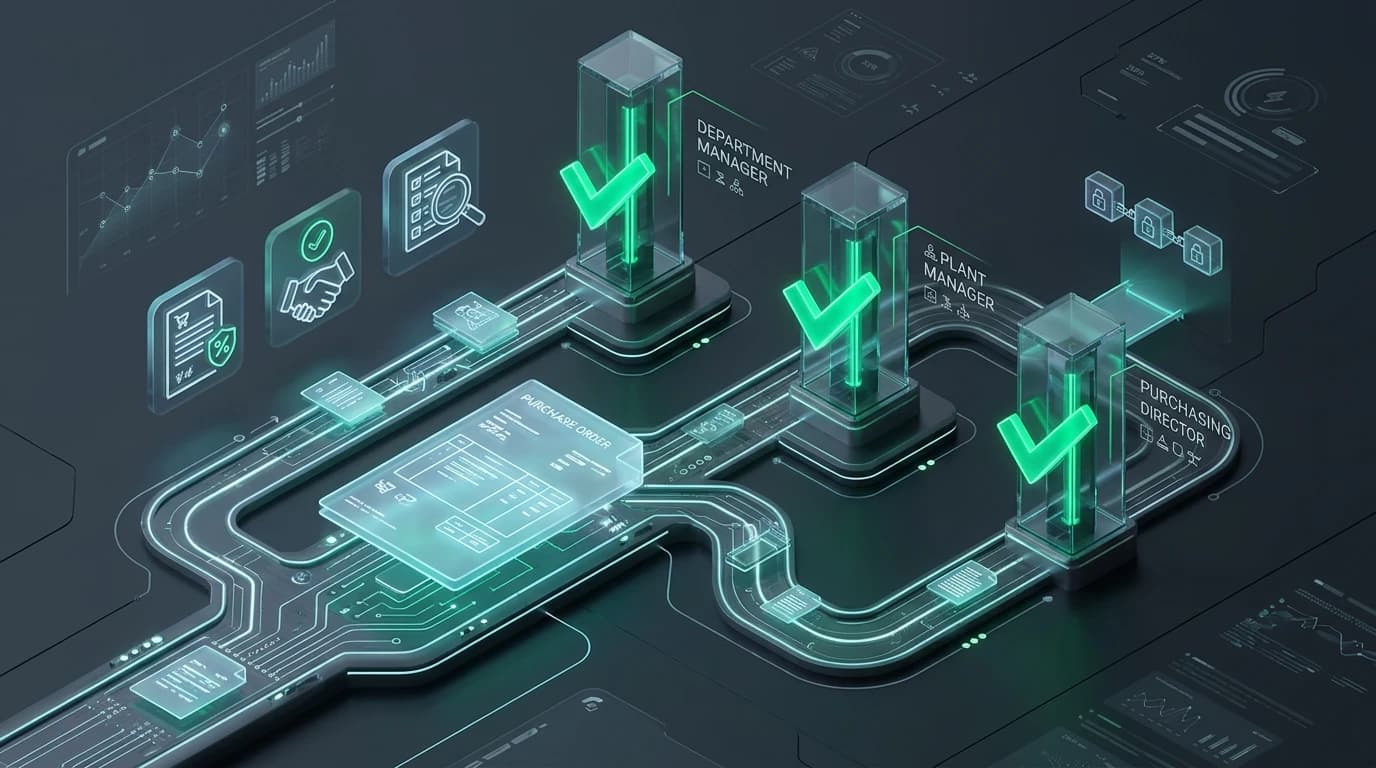
SAP MM Release Strategy Configuration: Complete Step-by-Step Guide with Classification (PO & PR)
Master SAP MM Release Strategy configuration with classification. Step-by-step tutorial covering Characteristics (CT04), Class (CL02), SPRO Release Groups, Release Codes, Prerequisites, PO vs PR approval matrices, and real project troubleshooting.
Read Guide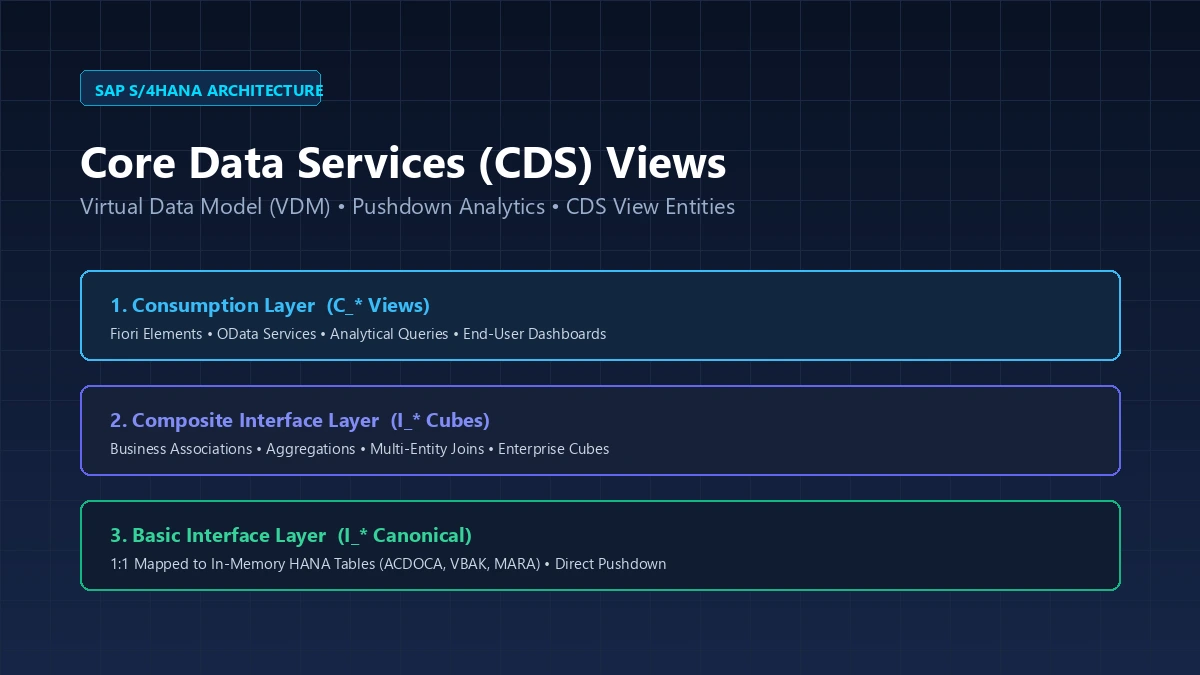
SAP CDS Views in S/4HANA: Architecture, VDM Layers, and DDL Implementation Guide
Deep dive into SAP S/4HANA Core Data Services (CDS). Understand the Virtual Data Model (VDM), Basic vs Composite vs Consumption views, DDL source code syntax, key annotations, and performance optimization on HANA database.
Read Guide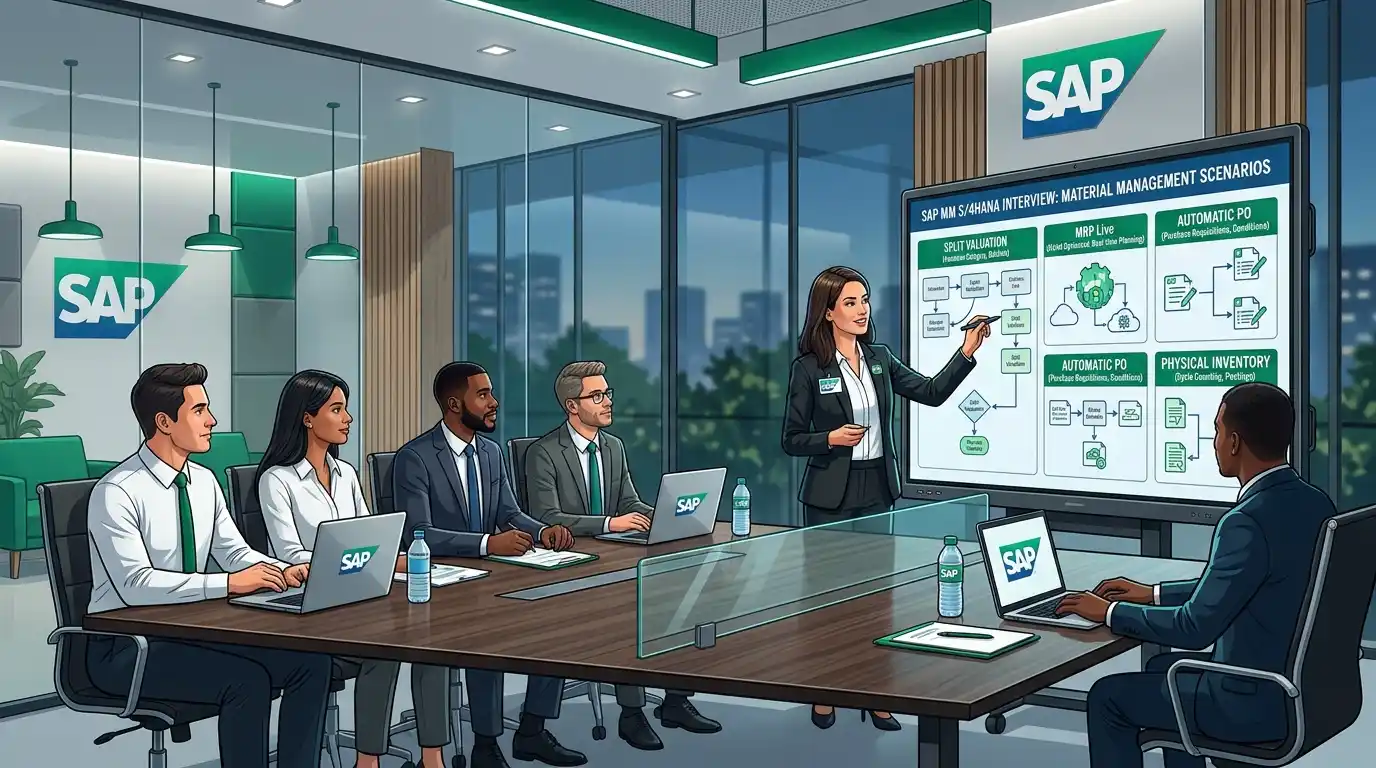
Top 35 SAP MM & S/4HANA Sourcing Interview Questions & Answers (Scenario-Based for 2025/2026)
Preparing for an SAP MM or S/4HANA Sourcing consultant interview? Master these 35 real-time scenario questions asked by top MNCs—covering Business Partner CVI, OBYC account determination, PO release strategies, Subcontracting, and STO.
Read Guide