

SAP MM Release Strategy Configuration: The Complete Engineering Guide
In enterprise procurement, an organization cannot allow purchasers to commit millions of dollars in corporate capital without formal managerial governance. Whether an enterprise is issuing a Purchase Requisition (PR) for raw steel or approving a Purchase Order (PO) for industrial turbines, the document must pass through designated approval thresholds.
In SAP Materials Management (MM), this approval workflow is orchestrated through Release Strategies.
For any aspiring or practicing SAP MM functional consultant, mastering the configuration of release strategies using classification is a mandatory milestone. During implementation and support projects, release strategy tickets represent over 30% of day-to-day procurement issues—ranging from values falling outside authorization bands to transport inconsistencies between development and production environments.
In this mentor-led guide, we will walk through the end-to-end architecture, communication tables (CEKKO and CEBAN), characteristic creation (CT04), classification setup (CL02), SPRO customizing, and realistic troubleshooting scenarios.
Architecture: Header vs. Item Level Approval
Before touching configuration screens, you must grasp a fundamental architectural distinction between Purchase Requisitions and Purchase Orders:
| Procurement Document | Approval Level | Supported Release Mechanisms | Communication Structure |
|---|---|---|---|
| Purchase Requisition (PR) | Item Level or Header Level | With Classification (032) OR Without Classification | CEBAN |
| Purchase Order (PO) | Header Level Only | With Classification Only (032) | CEKKO |
Why Can a PO Only Be Released at the Header Level?
A Purchase Order is a legally binding contract sent to an external vendor. An enterprise cannot send an external legal agreement that is "half-approved." The legal commitment applies to the entire document net value, incoterms, and conditions. Hence, SAP enforces PO release strategies exclusively at the document header level.
Conversely, a Purchase Requisition is an internal planning document. Different departments (e.g., IT and Facilities) can request different line items on the same PR document. Therefore, SAP allows item-level release for PRs, although overall (header) release is also configurable via document type customizing.
The 6-Step Implementation Framework
Configuring release strategies with classification follows a strict, sequential pipeline. Violating this sequence is the most frequent cause of broken transport requests.
Step 1: Create Characteristics (T-Code: CT04)
        ↓
Step 2: Create Release Class (T-Code: CL02, Class Type 032)
        ↓
Step 3: Define Release Groups & Codes (SPRO)
        ↓
Step 4: Define Release Indicators & Statuses (SPRO)
        ↓
Step 5: Define Release Strategy & Value Matrix (SPRO)
        ↓
Step 6: Test & Simulate in Sandbox (T-Codes: ME28, ME29N)
Step 1: Create Characteristics (T-Code: CT04)
Characteristics represent the business criteria that trigger an approval tier. Typical criteria include:
- Net Order Value (
CEKKO-GNETW) - Purchasing Group (
CEKKO-EKGRP) - Purchasing Organization (
CEKKO-EKORG) - Document Type / Order Type (
CEKKO-BSART) - Plant (
CEKKO-WERKS)
Let us configure the two most critical characteristics:
1.1 Net Value Characteristic: Z_MM_PO_VALUE
- Open transaction
CT04. - Characteristic Name:
Z_MM_PO_VALUE. - In the Basic Data tab:
- Description:
Total PO Net Order Value - Data Type:
CURR(Currency format) - Number of Characters:
15 - Currency:
INRorUSD - Value Assignment: Select Multiple Values and check Interval Values Allowed.
- Description:
- In the Additional Data tab:
- Table Name:
CEKKO - Field Name:
GNETW - Press
Enter. The system will automatically prompt: "Format taken from ABAP Dictionary".
- Table Name:
1.2 Purchasing Organization Characteristic: Z_MM_PO_EKORG
- Characteristic Name:
Z_MM_PO_EKORG. - In the Basic Data tab:
- Description:
Purchasing Organization - Data Type:
CHAR - Number of Characters:
4 - Value Assignment: Select Multiple Values.
- Description:
- In the Additional Data tab:
- Table Name:
CEKKO - Field Name:
EKORG
- Table Name:
Step 2: Create Release Class (T-Code: CL02)
The class serves as an umbrella container that groups our individual characteristics together under Class Type 032 (Release Strategy).
- Open transaction
CL02. - Class:
PO_RELEASE_CLASS. - Class Type: Enter
032(Mandatory). - Description:
PO Release Class with Classification. - Status: Set to
1 - Released. - Click the Characteristics tab.
- Assign the characteristics created in Step 1:
Z_MM_PO_VALUEZ_MM_PO_EKORG
- Click Save.
Pro-Tip from Real Projects: Never assign more than one Class of Class Type
032to a Release Group in SAP. Multiple classes assigned to the same release group will corrupt the release index and cause approval tabs to disappear completely inME21NandME22N.
Step 3: SPRO Customizing Configuration
Navigate to the customizing path in transaction SPRO:
SPRO$\rightarrow$ Materials Management $\rightarrow$ Purchasing $\rightarrow$ Purchase Order $\rightarrow$ Release Procedure for Purchase Orders $\rightarrow$ Define Release Procedure for Purchase Orders
3.1 Release Groups
- Click on Release Groups.
- Group:
G1 - Class:
PO_RELEASE_CLASS - Description:
PO Approval Group North India - Save the entry.
3.2 Release Codes
Release codes represent the managerial roles or approval tiers within the organization:
| Release Group | Release Code | Description | Role in Organization |
|---|---|---|---|
G1 | M1 | Procurement Lead | Plant Purchase Manager |
G1 | M2 | General Manager | Head of Supply Chain |
G1 | M3 | Chief Financial Officer | Director / CFO |
3.3 Release Indicators
Release indicators govern whether the PO can be printed, transmitted to the vendor (via EDI/IDoc), or subject to goods receipt (MIGO):
- Indicator
X(Blocked): Released for quotation only, no output, no goods receipt permitted. - Indicator
2(Rfq/PO): Document is released, purchase order can be outputted via message determination, and warehouse can post goods receipt.
Check the Released checkbox only for indicator 2. Ensure the Changeability parameter is set appropriately (e.g., 4 — Changeable, new release required if order value increases by more than 10%).
Step 4: Define Release Strategy & Approval Matrices
Now we bind the Release Group, Release Codes, and Classification Values together:
Strategy Definition: Strategy S1 (PO Value up to ₹500,000)
- Strategy Code:
S1 - Release Codes Assigned:
M1(Procurement Lead)
Strategy Definition: Strategy S2 (PO Value between ₹500,001 and ₹2,500,000)
- Strategy Code:
S2 - Release Codes Assigned:
M1andM2 - Release Prerequisites: Check
M1beforeM2. This ensures the General Manager (M2) cannot approve the PO until the Procurement Lead (M1) has signed off.
Strategy Definition: Strategy S3 (PO Value > ₹2,500,000)
- Strategy Code:
S3 - Release Codes Assigned:
M1,M2, andM3 - Release Prerequisites:
M1$\rightarrow$M2$\rightarrow$M3.
4.1 Classification Value Assignment
Within each strategy in SPRO, click the Classification button:
- For
S1: EnterZ_MM_PO_VALUE=0.01 - 500,000.00 INRandZ_MM_PO_EKORG=1000. - For
S2: EnterZ_MM_PO_VALUE=500,000.01 - 2,500,000.00 INRandZ_MM_PO_EKORG=1000. - For
S3: EnterZ_MM_PO_VALUE=> 2,500,000.00 INRandZ_MM_PO_EKORG=1000.
Frequently Asked Questions (FAQ)
Why is the Release Strategy tab missing from a Purchase Order in ME22N?
The release strategy tab in ME21N or ME22N will not appear if the PO total net value does not meet characteristic thresholds, if characteristics were modified without updating class values in CL20N or CL24N, or if CEKKO communication structure fields do not match customizing.
What is the difference between PO and PR release strategies in SAP MM?
Purchase Orders can only be released at the header level with classification (CEKKO structure), whereas Purchase Requisitions can be released at both item and header levels, with or without classification (CEBAN structure).
Which class type is used for SAP MM Release Strategy?
Class type 032 (Release Strategy) is used in transaction CL02 to group characteristics created via CT04 with table fields from communication structures CEKKO or CEBAN.
How are release strategies transported across SAP system landscapes?
SPRO configuration transports through standard customizing requests. However, classification values (CT04 and CL02) must be maintained in each target system manually or transported via ALE IDocs (CHRMAS and CLSMAS) or CL24N.
Summary & Next Steps for Learners
Mastering release strategies bridges the gap between basic purchasing transactions and enterprise security governance. To practice:
- Build a 2-tier approval strategy in your SAP IDES or S/4HANA sandbox.
- Create a PO using
ME21Nand observe how the Release Strategy tab automatically populates based on net value. - Simulate approvals using T-Code
ME29N(Single Document Release) andME28(Collective Release for Managers).
To deepen your hands-on mastery of procurement and account integration, explore our guided SAP MM Training Program or review our guide on SAP MM-FI OBYC Account Determination.
Ready to Accelerate Your Career with SAP Technical?
Stop struggling with fragmented tutorials. Get trained personally by Akshay Kumar (6+ years experience, 500+ placed professionals) with real-time S/4HANA server access, business blueprint scenarios, and 100% interview preparation.

Related Tutorials & Articles
Continue learning with more insights from ERP Academy experts.
Top 35 SAP MM & S/4HANA Sourcing Interview Questions & Answers (Scenario-Based for 2025/2026)
Preparing for an SAP MM or S/4HANA Sourcing consultant interview? Master these 35 real-time scenario questions asked by top MNCs—covering Business Partner CVI, OBYC account determination, PO release strategies, Subcontracting, and STO.
Read Guide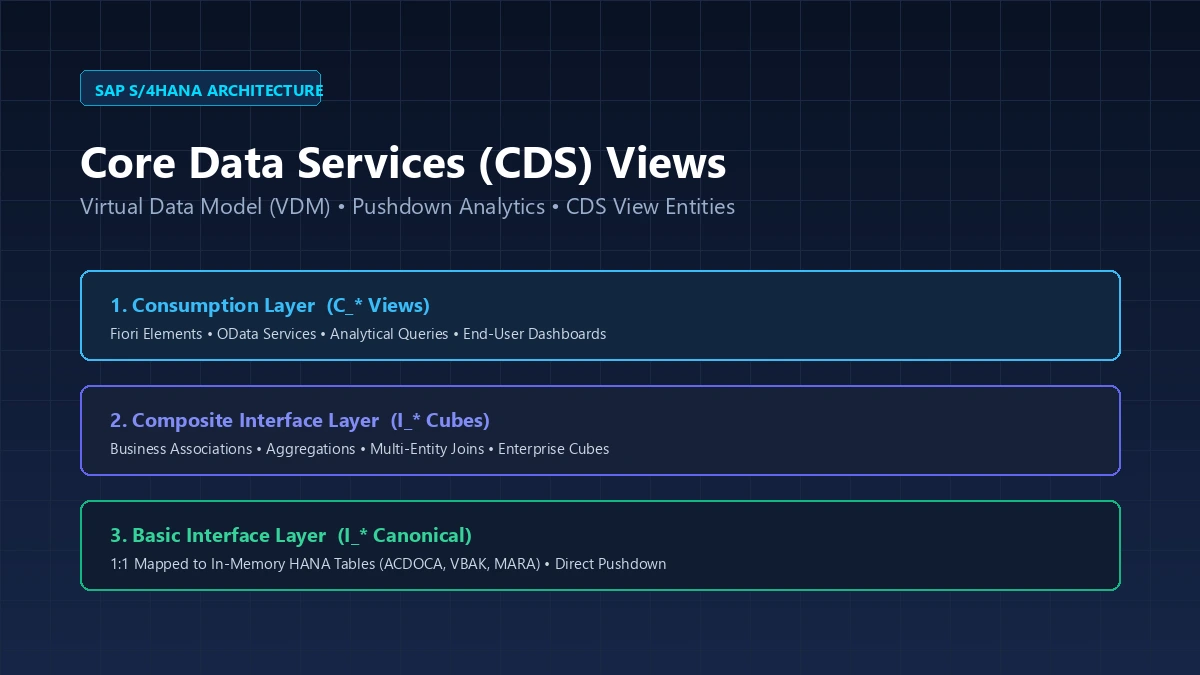
SAP CDS Views in S/4HANA: Architecture, VDM Layers, and DDL Implementation Guide
Deep dive into SAP S/4HANA Core Data Services (CDS). Understand the Virtual Data Model (VDM), Basic vs Composite vs Consumption views, DDL source code syntax, key annotations, and performance optimization on HANA database.
Read Guide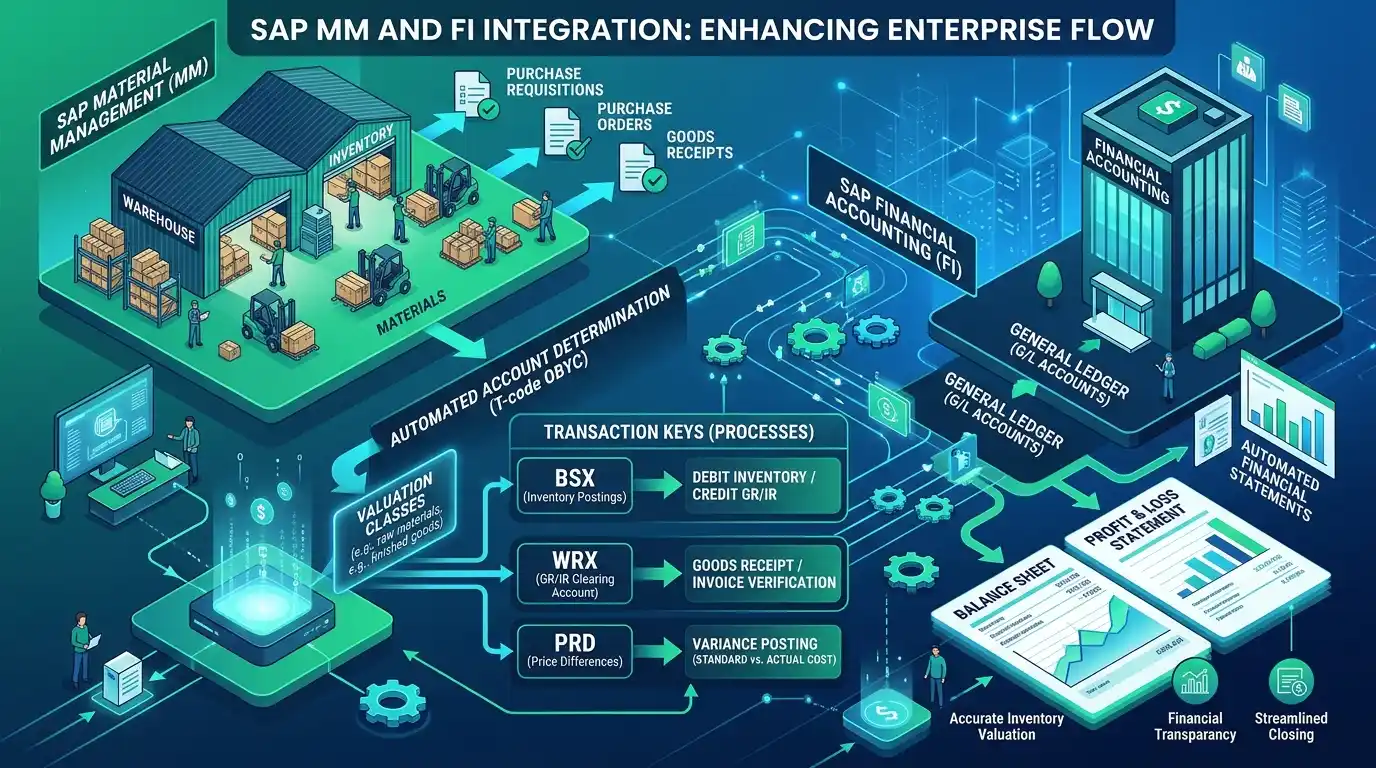
SAP MM-FI Integration & OBYC Configuration: Step-by-Step Guide with Real-Time Errors & Fixes
Master automatic account determination in SAP MM-FI integration. Complete walkthrough of Valuation Class, Account Modifiers, Transaction Keys (BSX, WRX, PRD, GBB), OBYC configuration, and how to fix common MIGO and MIRO posting errors.
Read Guide