
SAP FICO Period-End Closing Activities: Complete Step-by-Step Checklist with T-Codes
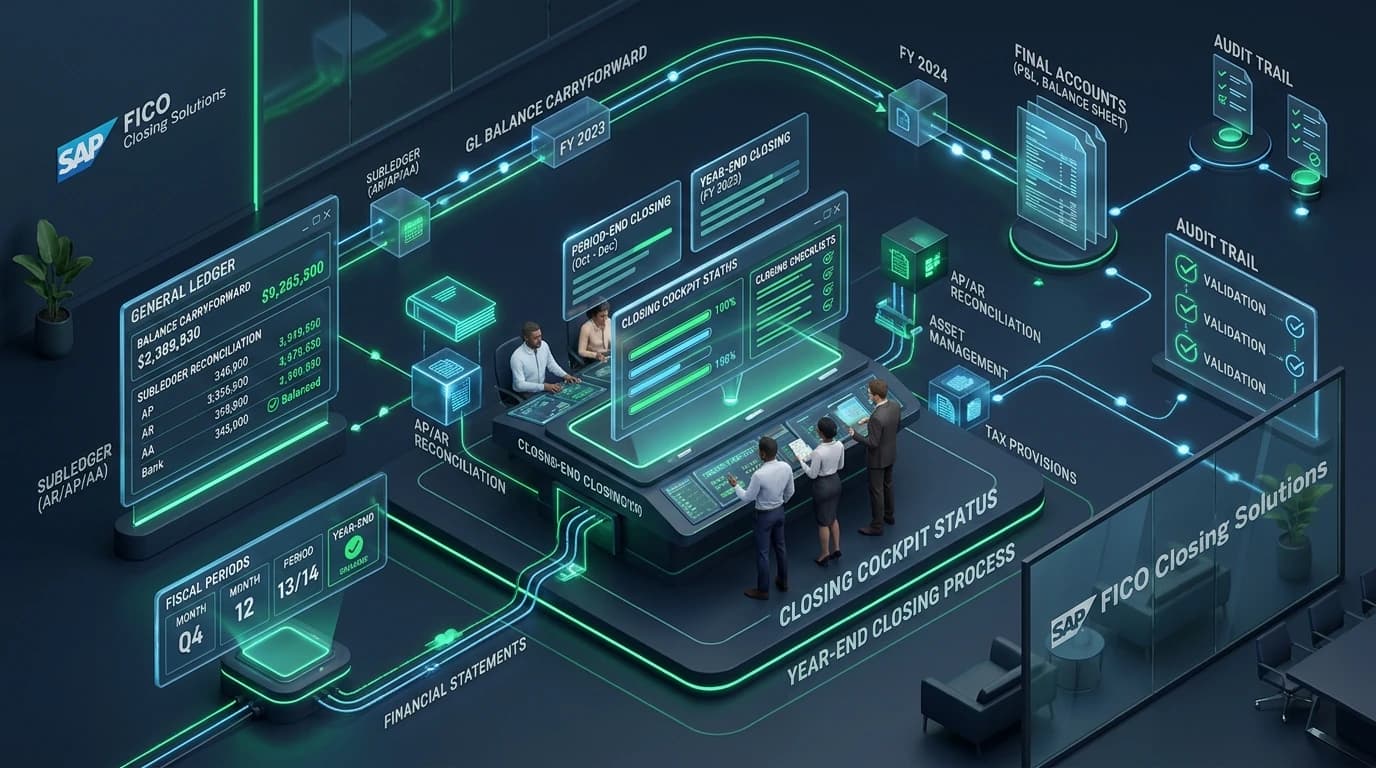
SAP FICO Period-End Closing Activities: The Definitive Enterprise Checklist
In corporate financial governance, few operational events carry higher executive visibility and regulatory scrutiny than the Period-End Financial Close. Whether executed on the final calendar day of every month or during the high-stakes annual fiscal close, the process demands complete precision across Sub-Ledgers (AP, AR, AA), Inventory, Controlling, and the General Ledger.
For SAP FICO consultants, finance managers, and ERP project leads, orchestrating the period close requires more than running arbitrary transactions. It requires strict chronological execution. Running depreciation before asset transfers are finalized, or executing overhead assessments before vendor accruals are posted, creates reconciling differences that can delay regulatory reporting by days.
In this comprehensive guide, we provide a structured, battle-tested chronological checklist of period-end closing activities in SAP ERP Central Component (ECC) and SAP S/4HANA, complete with essential transaction codes, module interdependencies, and troubleshooting protocols.
The Chronological Architecture of SAP Financial Closing
Financial close in SAP follows a strict dependency ladder. Sub-ledgers feeding into the General Ledger must be stabilized and reconciled first, followed by management accounting allocations, before final financial statements can be produced:
[Phase 1: Upstream Operations & Cut-Off]
    │── Goods Movements (MIGO) & Service Entry Sheets (ML81N)
    └── Sales Billing Documents (VF01)
         ▼
[Phase 2: Sub-Ledger Closing (AP / AR / AA)]
    │── Vendor Invoice Booking (MIRO / FB60) & Payment Runs (F110)
    │── Customer Collections, Dunning (F150) & Bad Debt Reserves
    └── Asset Accounting Capitalization (AIBU) & Depreciation (AFAB)
         ▼
[Phase 3: Cross-Module Reconciliations & Clearing]
    │── GR/IR Clearing Account Analysis (MR11 / F.13)
    └── Stock Valuation vs. GL Account Balancing (MB5L)
         ▼
[Phase 4: Management Accounting (CO) Closing]
    │── Time Sheet Confirmations (CAT2 / IW32)
    │── Internal Order & Project Settlements (KO88 / CJ88)
    │── Overhead Assessments & Distributions (KSU5 / KSV5)
    └── Production Variance Calculation & Settlement (KKS2 / CO88)
         ▼
[Phase 5: General Ledger (FI) Closing & Valuation]
    │── Foreign Currency Valuation (FAGL_FCV / F.05)
    │── Accruals & Deferrals (FBS1 / FBS2)
    └── Period Lock & Shift (OB52)
         ▼
[Phase 6: Reporting & Statutory Statements]
    │── Financial Statement Version Execution (F.01 / RFBILA00)
    └── Year-End Balance Carryforward (FAGLGVTR)
Master T-Code Reference Checklist
Below is the consolidated operational reference table used by corporate finance teams and shared service centers worldwide:
| Closing Phase | Transaction Code (ECC / S4) | Description | Execution Frequency | Mandatory Sequence Level |
|---|---|---|---|---|
| Cut-Off | MIGO / VF01 | Final logistics and sales billings | Daily / Period Cutoff | Step 1 |
| AP | FB60 / MIRO | Post pending vendor invoices | Cutoff Date | Step 2 |
| AP | F110 | Automatic payment run | Weekly / Period Close | Step 3 |
| AP | F-53 / F-44 | Manual vendor clearing & check register | As needed | Step 4 |
| AR | F-28 / F-32 | Customer payment receipt & clearing | Daily / Period Close | Step 5 |
| AR | F150 | Dunning run for overdue customer receivables | Weekly / Monthly | Step 6 |
| Assets | AIAB / AIBU | Distribute & settle Asset Under Construction (AuC) | Monthly | Step 7 |
| Assets | ABAA | Post unplanned depreciation (if impairment needed) | Period Close | Step 8 |
| Assets | AFAB | Execute planned asset depreciation run | Monthly | Step 9 |
| Inventory | MR11 | GR/IR clearing account maintenance | Monthly | Step 10 |
| Inventory | F.13 | Automatic clearing without specification | Monthly | Step 11 |
| Inventory | MB5L | Inventory G/L reconciliation | Monthly | Step 12 |
| CO | KB11N | Repost manual primary costs | Period Close | Step 13 |
| CO | KO88 / CJ88 | Settle Internal Orders / WBS Elements | Monthly | Step 14 |
| CO | KSV5 | Execute Cost Center Distribution | Monthly | Step 15 |
| CO | KSU5 | Execute Cost Center Assessment cycles | Monthly | Step 16 |
| CO | KKS1 / KKS2 | Calculate production variances | Monthly | Step 17 |
| CO | CO88 | Settle production / process orders to FI & CO-PA | Monthly | Step 18 |
| GL | FBS1 | Enter accrual / deferral documents | Period Close | Step 19 |
| GL | F.81 | Reverse accrual entries (subsequent period) | Next Period Day 1 | Step 20 |
| GL | FAGL_FCV | Foreign Currency Revaluation (Open items & Balances) | Monthly | Step 21 |
| GL | OB52 | Open/Close Posting Periods (Lock old period) | Cutoff Date | Step 22 |
| Reporting | F.01 | Generate Balance Sheet and P&L Statements | Final Close | Step 23 |
| Year-End | FAGLGVTR | Balance Carryforward (P&L to Retained Earnings) | Annual Close | Step 24 |
| Year-End | AJRW / FAA_CMP | Asset Accounting fiscal year change | Annual Close | Step 25 |
Step-by-Step Deep Dive into Critical Phases
Phase 1: Accounts Payable (AP) Stabilization
Before touching management accounting, AP clerks and accountants must ensure all supplier obligations are booked and paid.
- Vendor Invoice Verification (
MIRO/FB60): Ensure all received supplier invoices corresponding to goods receipts performed within the period are entered. If purchase orders are involved, invoices must be matched against Purchase Orders via transactionMIRO. - Execute Automatic Payment Program (
F110): Clear payable open items through bank transfer, wire, or automated clearing house (ACH). Ensure zero unhandled payment proposal exceptions remain in the payment log. - Vendor Account Reconciliation (
FBL1N/S_ALR_87012078): Review open vendor items. Ensure recurring supplier payment entries (F.14) have executed correctly.
Phase 2: Accounts Receivable (AR) & Bad Debt Provisioning
Customer revenues, collections, and dispute reconciliations directly affect the corporate income statement.
- Billing Document Release (
VFX3): In large SAP SD (Sales and Distribution) deployments, billing documents sometimes fail to automatically generate an accounting voucher due to revenue account determination errors or blocked posting periods. UseVFX3to release blocked SD invoices to FI. - Post Customer Receipts (
F-28&F-32): Process lockbox files, bank statements (FF_5), and manual customer matching. - Provision for Doubtful Debts (
F107/ Valuation Methods): Calculate and post statutory allowances for credit losses based on days sales outstanding (DSO) aging brackets.
Phase 3: Asset Accounting (FI-AA) Closing
Asset depreciation is a non-cash expense that significantly impacts monthly operating profit. In SAP, depreciation must be processed sequentially:
- Capitalize Assets under Construction (AuC):
Using
AIAB(Define Distribution Rules) andAIBU(Execute Settlement), transfer completed construction and software development expenditures from AuC asset classes (40000) into final fixed asset master records. - Retirements and Scrapping (
ABAVN/ABAON): Process any assets decommissioned or sold during the calendar month so salvage values and capital gains/losses reflect in the period. - Execute Depreciation Run (
AFAB):- Execute in Test Run first to examine the error log.
- Run in background mode for Posting Run.
- Note: In S/4HANA, depreciation writes directly to the Universal Journal (
ACDOCA) across all assigned accounting principles (e.g., IFRS, US GAAP, Local GAAP) without requiring separate batch input sessions.
Phase 4: Goods Receipt / Invoice Receipt (GR/IR) Clearing
The Goods Receipt / Invoice Receipt clearing account (WRX) is an interim balance sheet liability account that holds timing discrepancies between when goods arrive at the warehouse and when the supplier invoice is entered.
Purchase Order Created ($10,000)
    │
    ├── Goods Receipt (MIGO):
    │   Debit: Inventory / Expense  $10,000
    │   Credit: GR/IR Interim Account $10,000
    │
    └── Invoice Receipt (MIRO):
        Debit: GR/IR Interim Account $10,000
        Credit: Vendor Account       $10,000
When quantities or amounts do not balance (e.g., supplier short-shipped, or billed at an updated price variance), residual balances remain stranded in the GR/IR account.
- Automatic Clearing (
F.13): Execute automatic clearing with matching criteria configured for Purchase Order document and item numbers (EBELNandEBELP). - GR/IR Account Maintenance (
MR11): For purchase order lines where no further deliveries or vendor invoices are expected, executeMR11. This clears the residual quantity balance and posts offsetting entries to price difference (PRD) or inventory accounts.
[!TIP] Always verify total inventory balances via
MB5Lagainst General Ledger inventory accounts (BSX). Any discrepancy usually indicates manual direct postings to G/L accounts without proper automatic posting flags (Post Automatically Only).
Phase 5: Controlling (CO) Allocations & Production Settlement
Management accounting ensures corporate overhead, shared services, and manufacturing plant variances are settled to accurate cost centers and profitability segments.
1. Cost Center Distribution vs. Assessment
- Distribution (
KSV5): Allocates primary costs from sending cost centers to receiving cost centers using original primary cost elements. - Assessment (
KSU5): Bundles both primary and secondary costs into a single secondary cost element category (42) and distributes the aggregate total based on statistical key figures (e.g., square footage, employee headcount, machine hours).
2. Manufacturing Order Settlement (KKS2 & CO88)
In industrial enterprises, production orders accumulate actual costs for raw materials, direct labor, and machine depreciation:
- Work in Process (WIP) Calculation (
KKP5/KKAO): If orders are partially produced at month-end, calculate uncompleted inventory value to balance balance-sheet WIP accounts. - Variance Calculation (
KKS1/KKS2): Once orders are technically complete (TECO), compute price, usage, and lot-size variances. - Order Settlement (
CO88): Settle manufacturing variances to the General Ledger and Costing-Based or Margin-Analysis CO-PA (ACDOCA).
Phase 6: General Ledger Close & Posting Period Management
Once all auxiliary modules are balanced, General Ledger accountants perform final statutory adjustments.
Foreign Currency Valuation (FAGL_FCV / F.05)
All open items in foreign currency (unpaid customer invoices, unliquidated vendor bills) and foreign bank accounts must be revalued to the spot closing exchange rate on the balance sheet cutoff date:
- Unrealized Gain: Credited to P&L, debited to balance sheet adjustment account.
- Unrealized Loss: Debited to P&L, credited to balance sheet adjustment account.
- The transaction automatically generates a reversal posting on the first day of the subsequent month.
Posting Period Control (OB52)
To prevent unauthorized transactions from bleeding into the closing period while accountants perform adjustments, maintain authorization control in transaction OB52:
| Record Type | Account Type | From Account | To Account | Period 1 (Normal) | Year | Period 2 (Special / Auth) | Year | Auth Group |
|---|---|---|---|---|---|---|---|---|
+ | All accounts | 10 | 2026 | 11 | 2026 | |||
A | Assets | ZZZZZZZZZZ | 11 | 2026 | 11 | 2026 | ||
K | Vendors | ZZZZZZZZZZ | 11 | 2026 | 11 | 2026 | ||
D | Customers | ZZZZZZZZZZ | 11 | 2026 | 11 | 2026 | ||
S | G/L Accounts | ZZZZZZZZZZ | 10 | 2026 | 11 | 2026 | FIN_CLOSE |
By assigning an Authorization Group (e.g., FIN_CLOSE) to Period 1, operations teams are immediately restricted to the new month (11), while senior financial controllers retain exclusive authorization to post final adjusting journal entries to Period 10.
Architectural Comparison: Period Close in ECC vs. S/4HANA Universal Journal
The transition from classic SAP ECC 6.0 to SAP S/4HANA fundamentally altered closing cycles:
| Dimension | Classic SAP ECC 6.0 | Modern SAP S/4HANA | Practical Impact on Close |
|---|---|---|---|
| Data Foundation | Fragmented tables (BSEG, BSIS, BSAS, COEP, FAGLFLEXA) | Single Universal Journal (ACDOCA) | Zero reconciliation needed between FI and CO |
| CO-FI Real-Time Reconciliation | Required reconciliation ledger run (KALC) | Real-time integrated accounting documents | Instant P&L visibility without month-end jobs |
| Asset Depreciation | Batch job updating ANEP, ANLP, followed by G/L sync | Real-time itemized line entries directly in ACDOCA | Drastic reduction in depreciation run duration |
| Financial Closing Cockpit | Standalone tool or manual Excel tracking sheets | SAP S/4HANA Cloud Closing Hub / Embedded FCC | Automated task dependency monitoring & audit logs |
4 Common Closing Errors and How to Resolve Them
1. Error: "Posting only possible in periods YYYY/MM and YYYY/MM in company code XXXX"
- Root Cause: A user attempts to post an invoice or inventory movement into a period that is not open in
OB52or Materials Management period transactionMMPV. - Resolution: Open the appropriate period interval in
OB52. If it involves inventory documents (MIGO), executeMMPVto advance the MM period to the current calendar month.
2. Error: "Account XXXXXX requires an assignment to a CO object" (Message KI235)
- Root Cause: An expense account configured as a primary cost element (
Category 01) is being posted without a Cost Center, Internal Order, or WBS element. - Resolution: Either specify the appropriate Cost Center during document entry or establish a default account assignment via transaction
OKB9.
3. Error: "Depreciation not posted completely for period XX" during Fiscal Year Change
- Root Cause: Attempting to execute fiscal year change (
FAA_CMPorAJRW) when one or more asset depreciation runs were canceled, posted with errors, or omitted in a previous period. - Resolution: Execute
AFABin Restart or Repeat mode for the flagged period. Check transactionAFBPto review the depreciation posting log.
4. Error: Foreign Currency Valuation Difference Not Balancing
- Root Cause: Exchange rates for the closing period were not entered in table
TCURRvia transactionOB08for exchange rate typeM(standard closing spot rate). - Resolution: Enter official closing exchange rates in
OB08before triggeringFAGL_FCV.
Frequently Asked Questions (FAQ)
What is the first activity in the SAP FICO period-end closing cycle?
The closing cycle starts with operational cut-off: completing all pending goods receipts (MIGO), customer billing documents (VF01), and supplier invoices (MIRO) to prevent unrecorded transactions from crossing periods.
Why must asset depreciation (AFAB) run before financial statement generation?
Depreciation posts planned periodic fixed asset expense to the general ledger P&L accounts. Generating financial statements (F.01) before running AFAB understates operational expenses and overstates asset book values.
What does transaction OB52 do in SAP?
OB52 manages posting period variants by opening and closing specific posting periods for individual account types (Assets, Customers, Vendors, Materials, G/L accounts). It prevents unauthorized postings into closed financial periods.
How does S/4HANA simplify the month-end closing process?
In S/4HANA, financial transactions and management accounting postings write directly into the single Universal Journal table (ACDOCA). This eliminates the need for separate reconciliation ledger runs between FI and CO.
Conclusion & Next Steps in Financial Consulting
Mastering the period-end closing cycle elevates an ERP practitioner from a routine configuration technician to an indispensable enterprise advisor. Knowing the precise mathematical and system dependencies between purchasing, asset capitalization, production costing, and corporate statutory reporting ensures smooth audits and zero reporting delays.
To build hands-on proficiency in SAP Finance and controlling architectures, explore our specialized curriculum:
- SAP FICO Comprehensive Certification & Career Roadmap
- SAP FICO Career Roadmap & Market Salary Guide
- SAP S/4HANA Clean Core Architecture & Extensibility
- SAP Materials Management (MM) Procurement Masterclass
Ready to Accelerate Your Career with SAP Finance?
Stop struggling with fragmented tutorials. Get trained personally by Akshay Kumar (6+ years experience, 500+ placed professionals) with real-time S/4HANA server access, business blueprint scenarios, and 100% interview preparation.

Related Tutorials & Articles
Continue learning with more insights from ERP Academy experts.
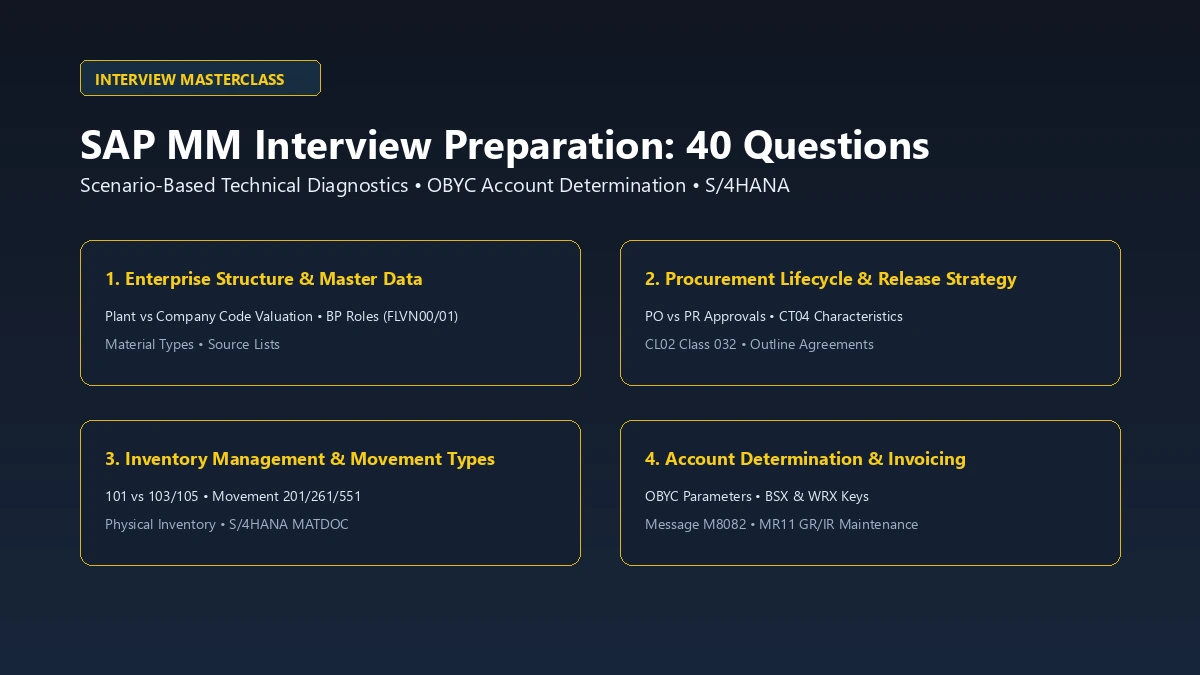
SAP MM Interview Preparation: 40 Practical, Scenario-Based Questions & Answers
Prepare for your SAP MM consultant interview with 40 real-world, scenario-based questions covering P2P, split valuation, physical inventory, PR release strategy, and OBYC integration.
Read Guide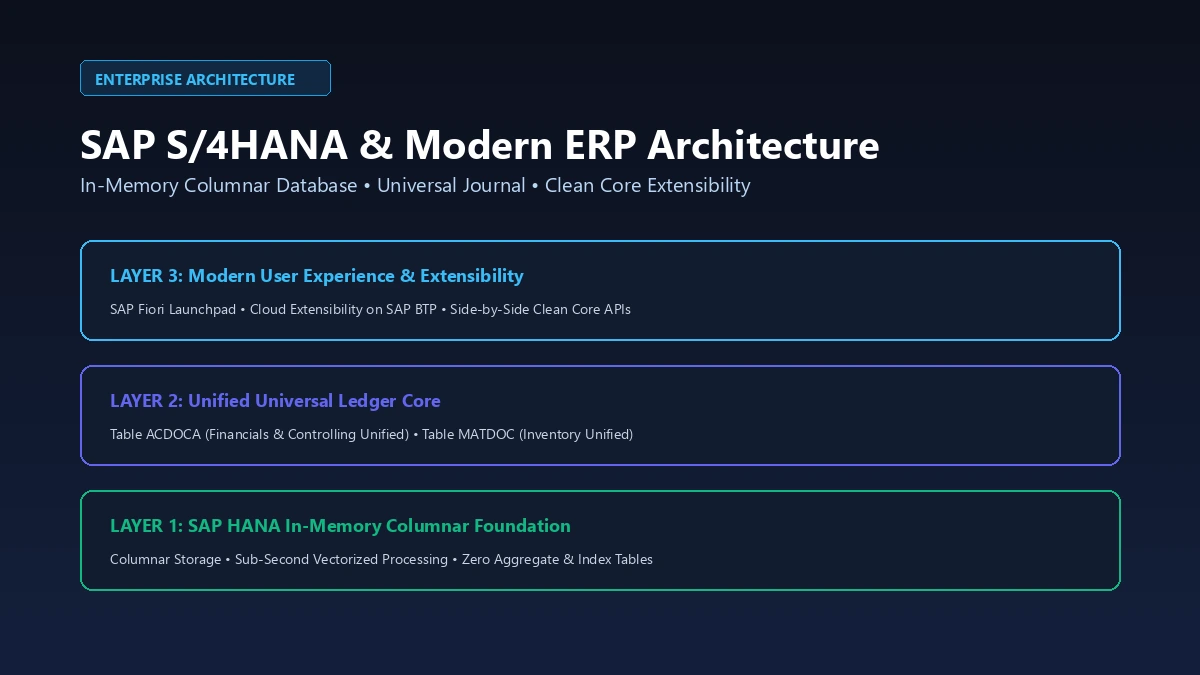
What is SAP S/4HANA? Modern ERP Architecture & Essential Skills for 2026
Understand how SAP S/4HANA revolutionized enterprise architecture. Explore in-memory computing, universal journal ACDOCA, Fiori UX, and the critical skills consultants need today.
Read Guide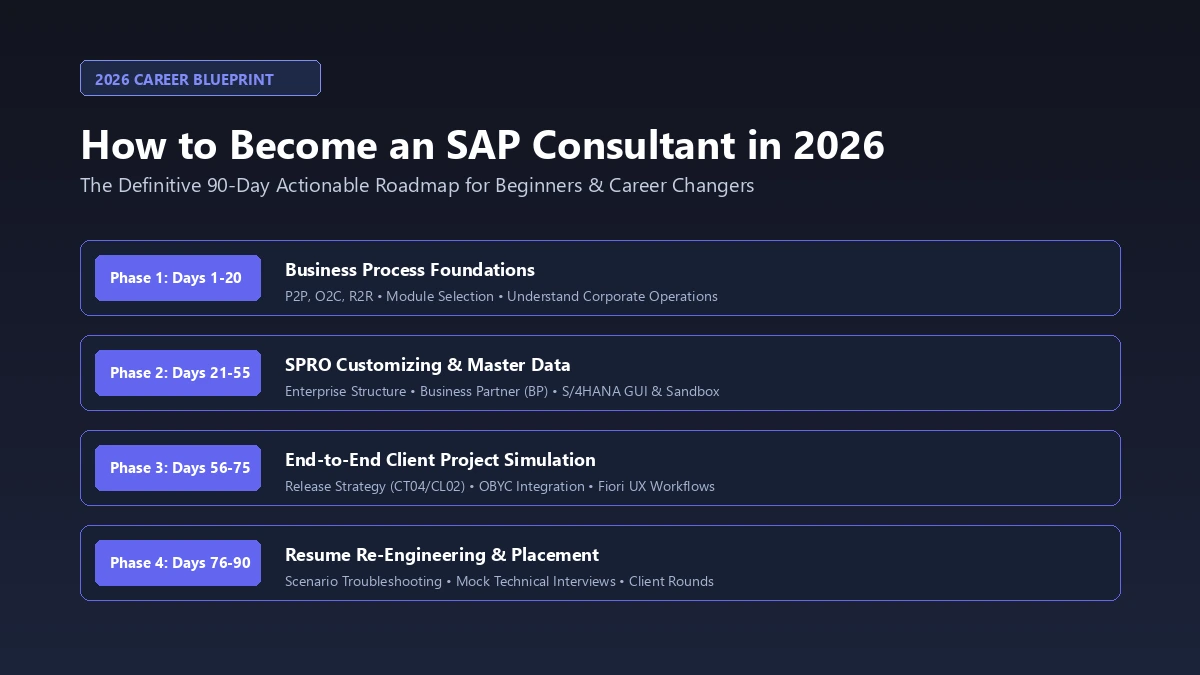
How to Become an SAP Consultant in 2026: The Step-by-Step Practical Roadmap
A realistic, zero-fluff 90-day roadmap to breaking into SAP consulting without prior enterprise experience. Learn the right modules, portfolio projects, and interview strategies.
Read Guide